
Rhythm Heaven Groove Demo Guide: How to Check Availability and Practice
Learn how to verify a Rhythm Heaven Groove demo, avoid unsafe downloads, and use preview gameplay to practice timing.
- Last checked
- 2026-07-12
- Last updated
- 2026-07-12
- Editor
- Rhythm Heaven Groove Wiki Team
- Source check
- Official Nintendo pages and reviewed high-trust sources
- Applies to
- 2026 Nintendo Switch release notes
Independent fan-made wiki. Not affiliated with Nintendo or TNX.
Quick Guide
- Step 1Match the guidance to your Switch model, region, and play mode.
- Step 2Check official compatibility and store details before downloading.
- Step 3Use related setup guides to verify controls, formats, and languages.
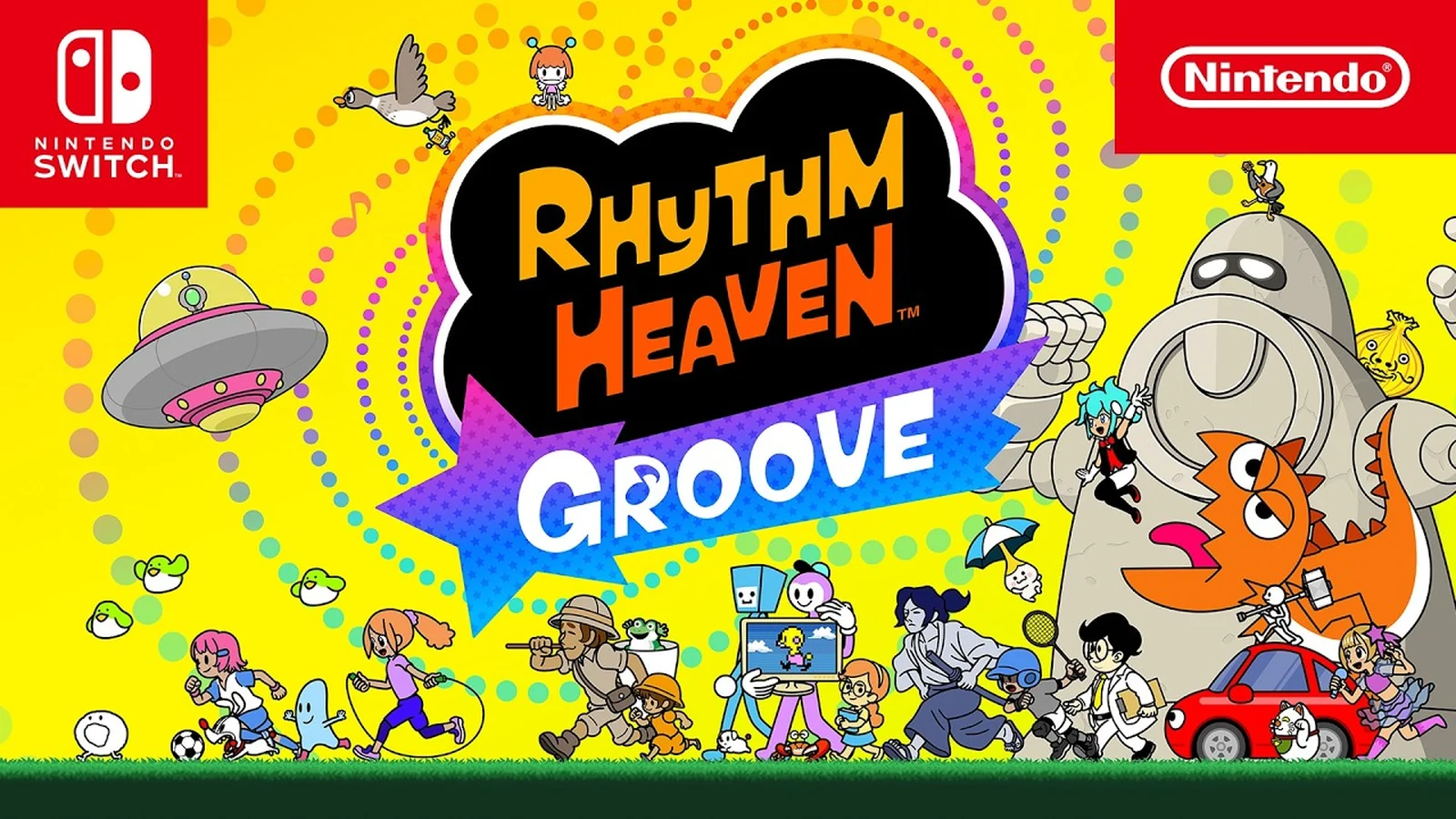
Table of Contents
Rhythm Heaven Groove demo searches mix several intents: players looking for an official eShop demo, viewers looking for gameplay previews, and unsafe queries pointing toward unauthorized download files. Keep those separate. A safe Rhythm Heaven Groove demo guide should never link ROM, NSP, XCI, emulator, or leak pages. Use Nintendo’s official store, Nintendo trailers, and trusted gameplay previews as the verification path.
How to Verify a Demo Safely
| Step | What to check |
|---|---|
| Open Nintendo’s store page | Confirm whether a demo button appears for your region. |
| Check the eShop on your Switch | Region-specific demo availability may show there first. |
| Use official videos | Nintendo overview, launch, Direct, and Treehouse videos show safe gameplay previews. |
| Avoid file downloads | ROM, NSP, XCI, emulator, and “no key” pages are outside safe scope. |
If Nintendo does not show a demo in your region, do not treat third-party downloads as a substitute. For this site, “demo” coverage should mean official demo availability or official preview gameplay, not unauthorized files.
What Preview Gameplay Can Teach
Even without an official demo in every region, Nintendo’s videos show the core lesson: Rhythm Heaven Groove is about listening. Official copy tells players to use their ears, and the product page shows short rhythm games such as Hoop Trundling, Hop Stop N Roll, Fruit Flex, Rhythm Tweezers, Tennis Quest, and Cake Wait.
That is enough to start building the right habits before playing:
- Watch for the setup, then listen for the repeatable cue.
- Count the rhythm out loud if the pattern is confusing.
- Replay the official overview trailer with the screen dimmed to test whether you can hear the beat.
- Treat misses as information about timing, not as proof you cannot play rhythm games.
Demo Practice Checklist
| Practice focus | Why it helps |
|---|---|
| Audio clarity | Rhythm Heaven cues often matter more than visual reaction speed. |
| Headphones | They can make small beats easier to separate from room noise. |
| Handheld test | Handheld play may reduce display/audio setup complexity. |
| TV delay awareness | TV mode can feel different if the display adds processing delay. |
| Short sessions | Rhythm games reward frequent clean attempts more than long frustrated sessions. |
What Not to Trust
Search demand around new Switch games often attracts unsafe pages. Reject pages offering leaked builds, ROM dumps, NSP files, XCI files, emulator setup, or “demo nsp” downloads. They are not needed for a fan wiki and should not become source material for articles.
Bottom Line
Use official Nintendo surfaces to verify whether a Rhythm Heaven Groove demo is available in your region. If there is no official demo button, use official trailers and Treehouse gameplay as the safe preview route, then return to beginner and perfect-timing guides when you have the full game.